-
×
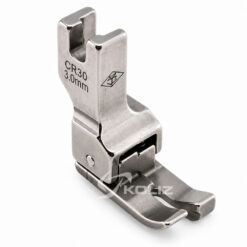
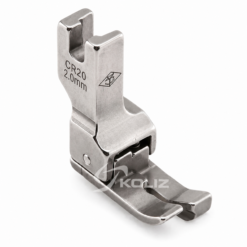
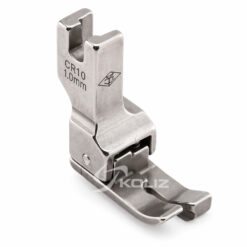
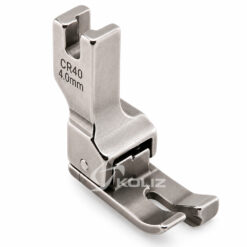 CR40 Hemming Foot (Right)
1 × 5.30€
CR40 Hemming Foot (Right)
1 × 5.30€
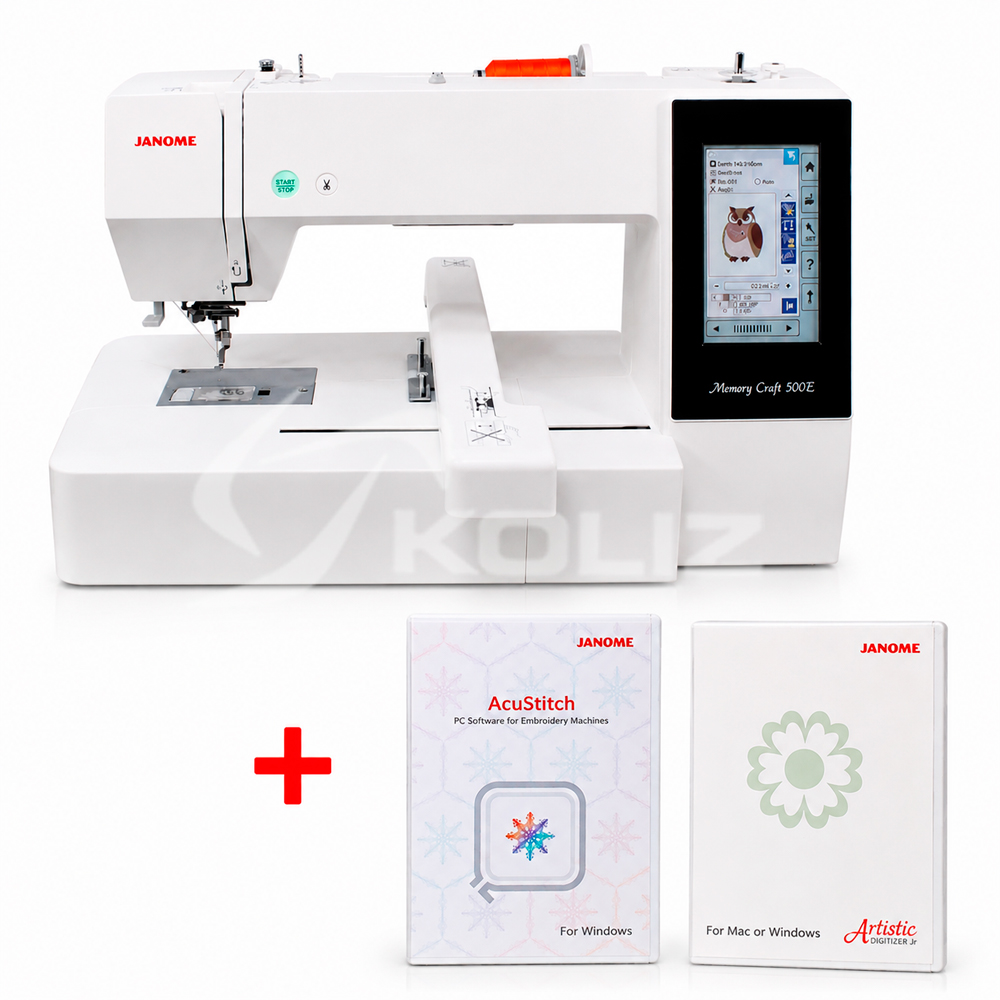




Janome MC500E Limited Edition
1,349.00€
A new embroidery machine that can be connected directly to a computer or used with a USB flash drive. An incredibly large embroidery area – 200 x 280 cm. A limited edition model, therefore the package additionally includes the Artistic Digitizer Junior embroidery software, the AcuStitch software, and a USB flash drive with 30 additional embroidery designs.
In stock
Janome MC500E Limited edition main machine features:
- Artistic Digitizer Jr. software
- AcuStitch software
- USB flash drive with 30 additional embroidery designs
- 160 built‑in embroidery designs
- 6 fonts for monograms
- Menu languages – 13 languages (including English, Polish, Russian)
- Color LCD screen
- Embroidery format: .jef
- Adjustable speed
- New thread‑insertion mechanism design
- Automatic thread trimming
- Thread break sensor
- Ability to enlarge/reduce designs
- 45‑degree design rotation
- Design duplication
- Editing function
- Color change function
- Quiet and stable operation
Embroidery format support
JEF, JEF+, JPX and other popular formats – easy compatibility with software and design libraries.
Janome Digitizer Jr embroidery software features:
- Powerful, easy‑to‑use interface with large icons.
- Multi‑hoop layout with “Easy Layout”.
- Automatic adjustment for different fabrics.
- Letter creation.
- Monogram design creation.
- Embroidery lettering editing.
- Eleven built‑in fonts.
- Satin and weave fills.
- Single and triple line stitches.
- Realistic design preview with “Visualizer”.
- Design splitting for MA and Giga hoops.
- Connection to the embroidery machine via USB cable.
- The software is fully upgradeable if you later want more capabilities.
Supported embroidery formats (and saves to Janome .JEF):
JAN JEF JEF+ SEW EMD EMX JMT PES PEC HUS VIP VP3 EXP PCS PCM CSD XXX DST
Supported graphic formats:
BMP JPG
Artistic Digitizer Jr system requirements
Windows:
Windows 7, 8 or 10 with latest updates
CPU: 2.0 GHz Intel or AMD
RAM: 4 GB
Disk: 1.5 GB free space
Graphics card: 3D DirectX 9c, 1 GB RAM, 32‑bit color (Windows only)
Display: 1366 × 768
Internet connection: required
MacOS:
High Sierra 10.12.2 or later
Janome AcuStitch software features:
“AcuStitch” allows stitches to be transformed into embroidery patterns and shapes.
This software includes several shapes and configurations to choose from, such as polygons, circles, ellipses, as well as straight lines and squares.
Designs can be created automatically using simple settings.
Alignment at corners, center, start and end points can also be done automatically.
By simply changing the angle setting, you can create arcs and variations of your design.
AcuStitch system requirements:
OS: Windows® 11 (64 bit) / Windows® 10 (32 or 64 bit)
CPU: minimum 800 MHz (1 GHz recommended)
Memory: minimum 512 MB (1 GB recommended)
Hard drive: minimum 80 MB free space
Video resolution: minimum 800 x 600 (1024 x 768 recommended)
Image size may look different depending on your display and resolution.
USB port
Mouse or touch pad
Simply by changing the angle settings, you can create arcs and variations of your own designs.
User Manual:
https://viskassiuvimui.lt/wp-content/uploads/2022/04/MC550E_JANOME_instrukciju-knyga_lt.pdf
| Type of shooter | Horizontal |
|---|---|
| Automatic needles offer a tension adjuster | Yes |
| Galimybė dirbti su dviguba adata | No |
| Sewing machine body | Plastic |
| Sleeve platform | No |
| Extra table | Yes |
| Trash can | No |
| Built-in box for accessories | No |
| Two-level lifting foot | Yes |
| Reverse button | No |
| Offers a wrapping mechanism | Yes |
| Lamp | 5 LED |
| Speed control pedal | No |
| Protective cover | No |
| Maximum sewing speed (stitches / min.) | 400-860 |
| Weight Net | 11 |
| Weight Gross | 18 |
| Automatic offers trimming | Yes |
| Start / stop button | Yes |
| Automatic insertion button | No |
| Speed control slider | Yes |
| Automatic needle lifter | No |
| The automatic offers an inverter | Yes |
| Foot pressure adjustment | No |
| language selection | 13 |
| USB connection | Yes |
| Decorative seam programming | Yes |
| Integrated data carrier | Yes |
| Upper material conveyor | No |
| Magnifying glass with lighting | No |
| Country of origin | Taiwan |